Viewport Lab
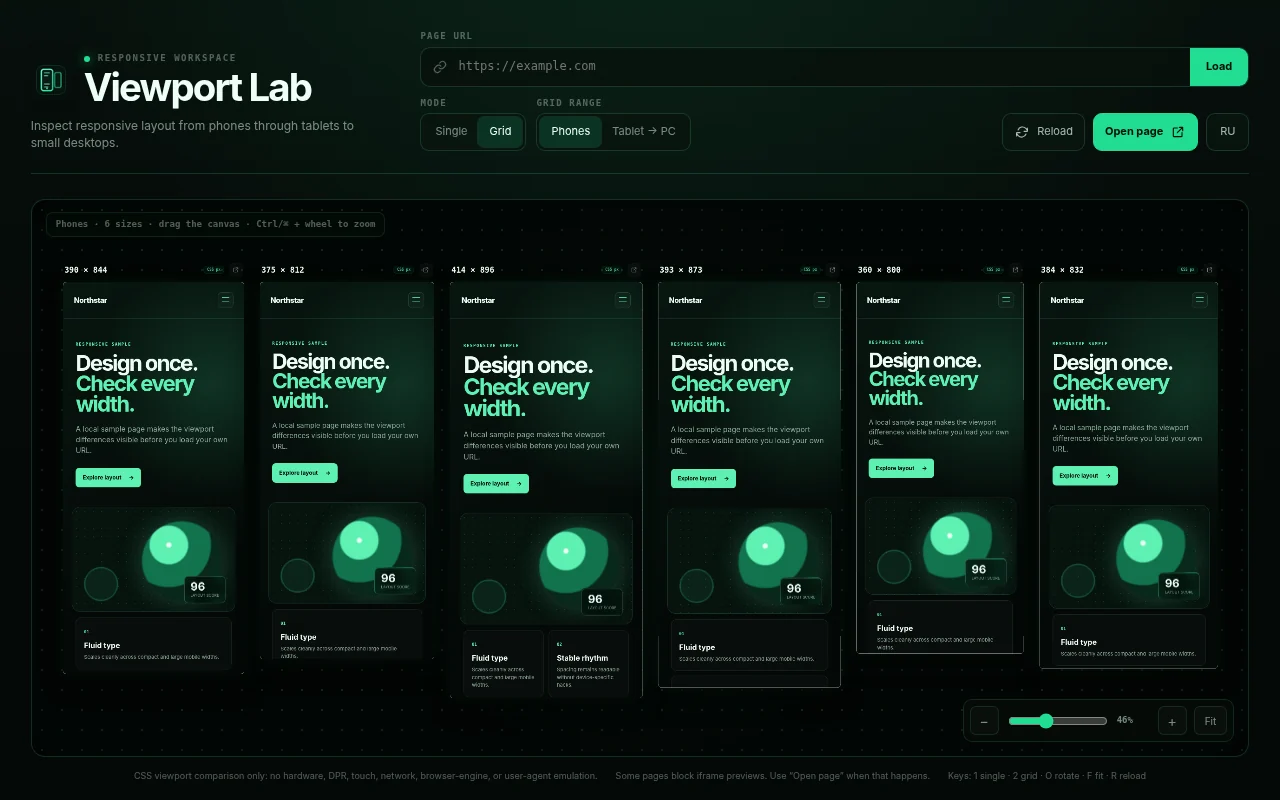
A Chrome extension that displays the current page at the screen sizes you need: one large phone preview or six sizes side by side, without repeatedly resizing windows or DevTools.
- Version
- 1.1; store version is currently 1.0
- Browsers
- Chrome, Chromium, Brave, Vivaldi
- Access
- activeTab only
- License
- MIT
Why
Responsive layouts break at specific widths: a heading wraps in the wrong place, a card overflows at 360 pixels, or a tablet falls between two breakpoints. Viewport Lab shows those widths together so you can see the differences at a glance.
Features
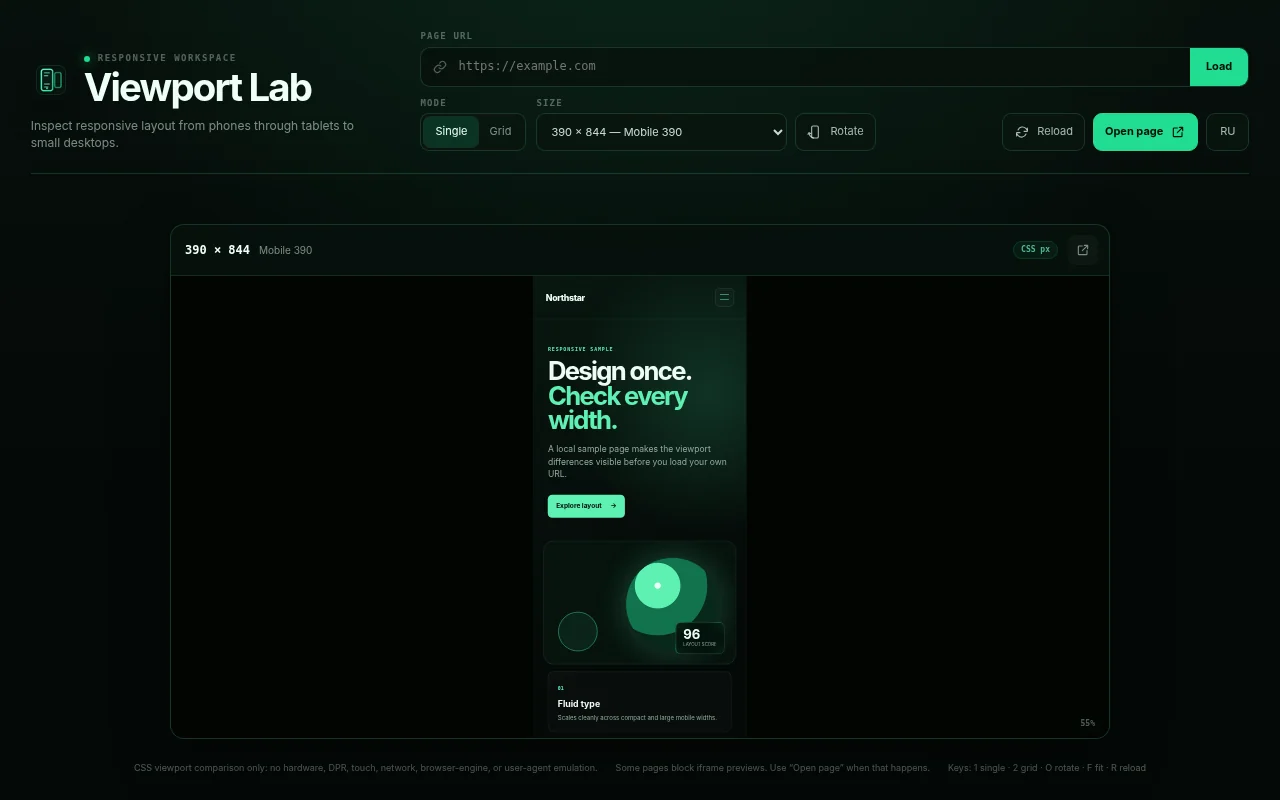
- Single screen — an exact CSS viewport fitted to the window.
- Phone grid — six popular sizes on one canvas.
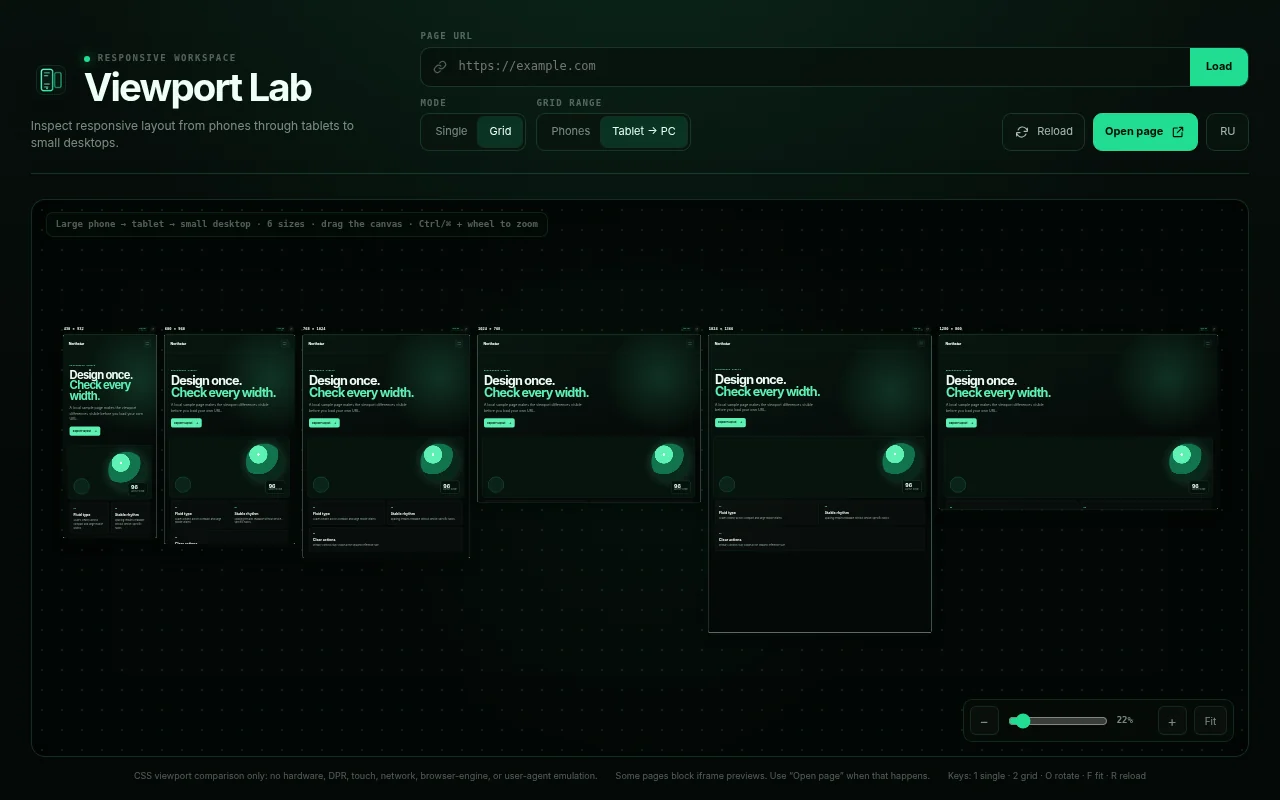
- Tablet → desktop — 430, 600, 768, 1024 and 1280 pixels, covering large phones through small desktops.
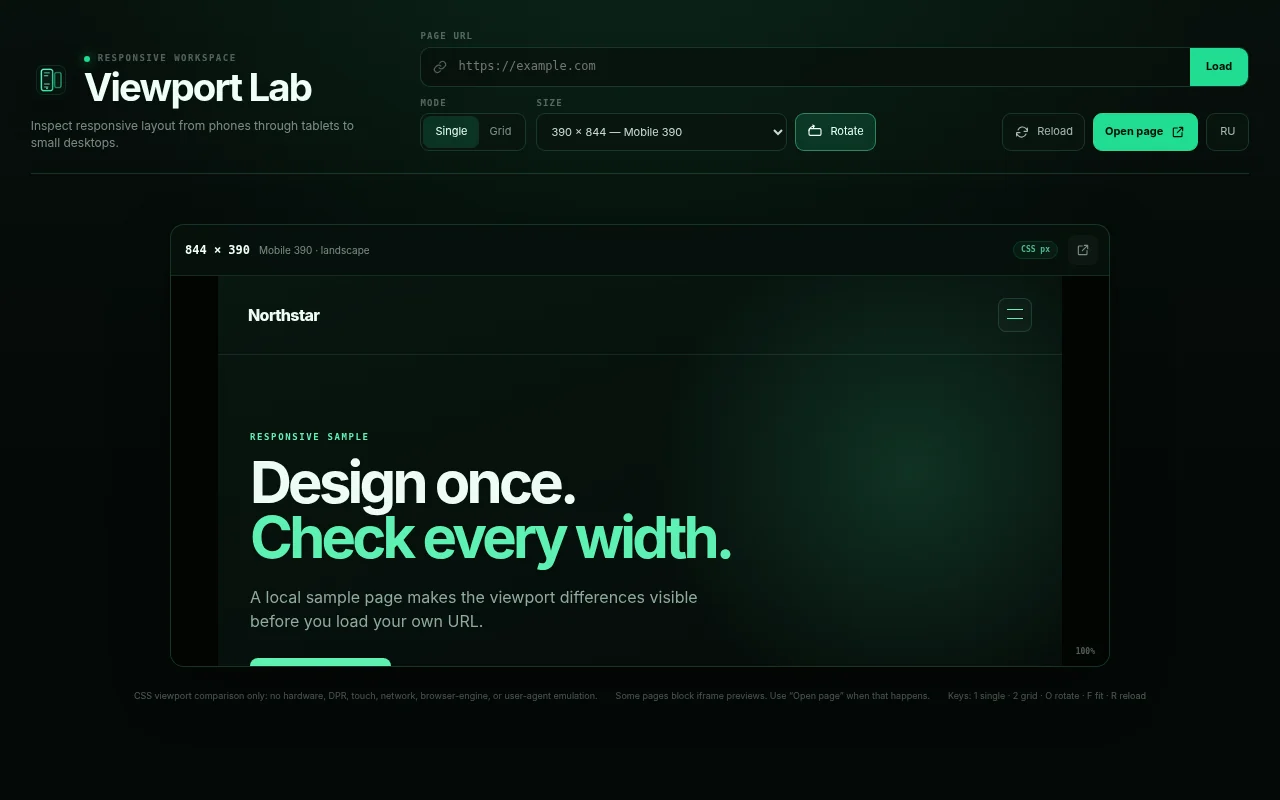
- Rotation — switch the same viewport to landscape with one button.
- Custom dimensions — any width and height from 240 to 3840 pixels.
- Canvas — shared zoom, panning and a Fit button.
- Saved settings — mode, dimensions and orientation survive reopening.
Examples
Keyboard shortcuts
Alt + Shift + V   open the current page in Viewport Lab
1                 single screen
2                 grid
O                 rotate
F                 fit the grid to the window
R                 reload previews
Shortcuts use physical key positions, so they also work with a Russian keyboard layout.
Installation
- Open the Chrome Web Store page and click Add to Chrome.
- Open a website and click the Viewport Lab icon or press
Alt + Shift + V. - You can also enter another URL, including
localhostfor local development.
Works in Chrome, Chromium, Brave and Vivaldi.
Privacy
The extension requests only activeTab: it reads the current tab’s URL after your click, and that URL stays on your computer. There is no analytics, advertising, remote code or access to all websites. Privacy policy.
Limitations
- Compares CSS viewport sizes, without emulating hardware, DPR, touch input, network conditions or user agent.
- Some websites refuse to load in frames. Use Open site for those pages.
Status
Version 1.0 is published in the Chrome Web Store. Version 1.1 adds rotation, custom dimensions, shortcuts and saved settings; it has been under store review since October 31 and will be released after approval. Source code is open under MIT: github.com/vixkosla/browser-extensions.